Direct answer
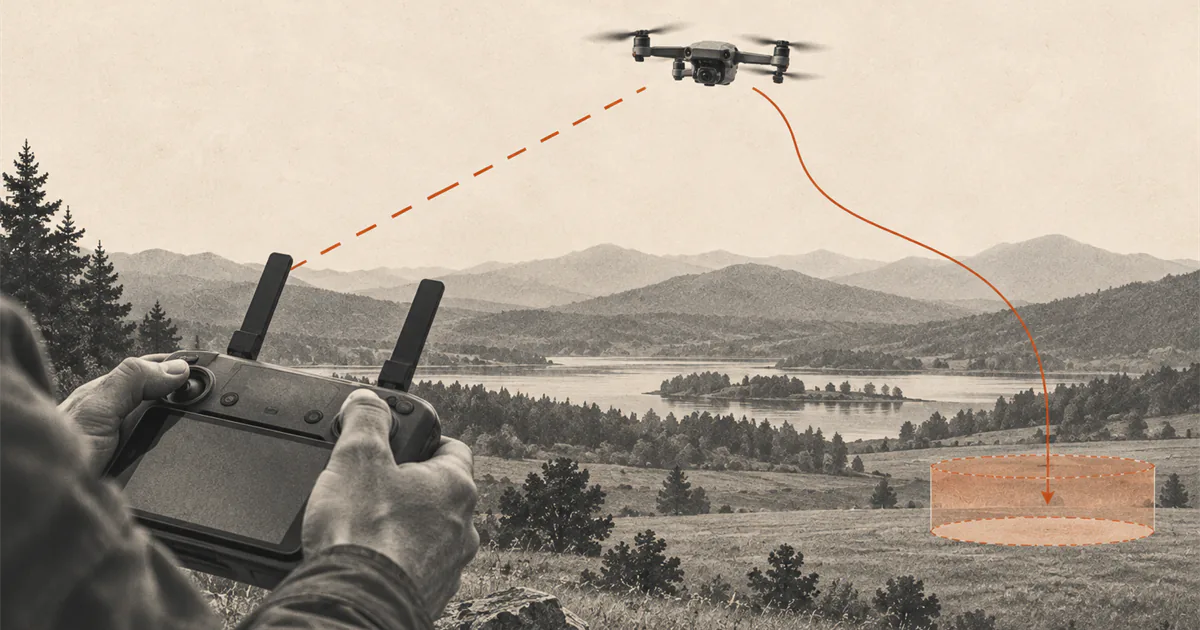
When the signal degrades, stop extending the flight and follow the exact model's link-loss behavior.
Keep the aircraft in sight, confirm whether video or control is actually lost, and avoid rapid or conflicting inputs. If control remains, move toward a simpler, closer position and land. If control is lost, observe the aircraft and status display while the pre-checked model-specific action runs. When the link returns, confirm the active mode and orientation before canceling automation or taking over.
Identify what was actually lost
A frozen camera view, delayed telemetry, app disconnection, remote-controller warning, and complete command-link loss are not automatically the same event. The aircraft may still accept control while the video feed is interrupted, or the controller may be disconnected while the aircraft follows a documented failsafe action.
Read the exact warning rather than labeling every display problem as lost signal. Keep looking at the aircraft and surrounding airspace. For US recreational flight, the FAA requires visual line of sight; the camera feed is not a substitute for seeing the aircraft and being able to avoid other aircraft.
If the aircraft cannot be seen or its orientation is unclear, do not invent a stick direction from the map alone. Use the model-specific recovery behavior reviewed before takeoff.
Make the first response smaller
At the first weak-link or interrupted-video warning, stop extending the route. Do not climb, fly farther, or move behind another obstacle just to see whether the indicator improves.
If the control link is confirmed and the aircraft’s orientation is clear, reduce complexity: stop the outbound movement, move toward a closer unobstructed position, and prepare to land. Follow the controller manual for antenna orientation. Do not wave, cover, or repeatedly reposition antennas based on advice for a different system.
Keep your own footing and surroundings safe. Walking while staring at the controller can move the pilot into traffic, uneven ground, people, or another hazard. Change position only when that movement is safe and the flight remains compliant.
Know the selected loss-of-link action
The correct response depends on what the aircraft has been configured to do. The DJI Mini 4 Pro manual allows the signal-loss action for that model to be set to Return to Home, land, or hover. Its Failsafe RTH also depends on prerequisites such as the selected action, a recorded Home Point, and normal positioning or compass behavior.
Another aircraft may use a different default, offer fewer choices, continue a programmed mission, or have no automated recovery. That is why Return to Home and signal-loss settings must be reviewed before the motors start.
Do not assume the aircraft will immediately fly toward you. It may pause, follow part of its previous route, fly toward a Home Point, hover, land, or do something else documented for the active mode and distance.
Observe while the documented action runs
If control is genuinely lost, avoid repeated button presses or blind stick inputs. Watch the aircraft, controller status, map, battery, and warnings that remain available. Protect the expected return or landing area from people and new obstacles.
If the pre-checked action is RTH, look for the route and altitude behavior described by the exact manual. If it is hover, consider whether wind, battery, and the location below make waiting sustainable. If it is land, identify the area beneath the aircraft and follow any documented control that remains available.
There is no single command sequence for all three states. A model-specific warning or forced-landing state can also override the response you expected.
Confirm control before taking over
A restored video picture does not by itself prove that every control and navigation state is normal. When the link returns:
- confirm that the controller identifies the intended aircraft;
- read the active flight or recovery mode;
- check aircraft position, heading, altitude, battery, and warnings;
- verify that control input is available as the manual describes;
- cancel or pause automation only when manual flight is clearly the safer option;
- return by the shortest safe visible route and land.
The DJI Mini 4 Pro documentation notes that its aircraft can remain in RTH after the remote-controller signal returns. That exact behavior is useful evidence for the model and a warning against assuming that reconnection automatically hands back ordinary flight.
Land after a link event
Treat a recovered connection as the end of the planned flight, not permission to resume the route. Land while the aircraft is visible and battery margin remains.
After landing, record what actually happened: location, distance, altitude, barriers between aircraft and controller, controller orientation, warnings, app status, weather, battery state, and the selected failsafe action. Save flight logs according to the manufacturer’s process before changing settings or repeating the route.
Do not immediately relaunch to recreate the interruption. First review the manual, logs, firmware or app notices, hardware condition, and site geometry. If the cause remains unclear, use manufacturer support.
Prevent the next signal loss
Add these checks to the drone preflight checklist:
- confirm the controller is linked to the intended aircraft and charged;
- inspect the controller, antennas, cables, mobile device, and mounts;
- read the model’s antenna and transmission guidance;
- verify the selected signal-loss action and its prerequisites;
- confirm the Home Point and recovery route when the model uses them;
- keep the route within visual line of sight and away from signal-blocking terrain or structures;
- turn around at the first persistent link warning instead of using maximum advertised range as a target;
- preserve battery and wind margin for an early return and landing.
Range specifications are test-condition claims, not a recommended distance and not proof that a specific site has a clear radio path.
Use clear stop rules
Do not launch, or land at the first safe opportunity, when:
- the signal-loss action is unknown or unsuitable for the site;
- the Home Point, positioning, compass, or recovery path is unresolved;
- the controller or app shows an unexplained link warning;
- the route passes behind terrain, buildings, dense vegetation, or another obstruction;
- visual line of sight cannot be maintained;
- battery or weather margin would not support the documented action;
- the previous link interruption has not been explained.
The safest lost-signal response is largely decided on the ground. A known failsafe action, visible aircraft, conservative route, and early landing leave less to improvise when the display changes.
Sources
Check the underlying guidance.
The DJI sources are exact-system examples, not a promise about another aircraft. They show that video interruption, remote-controller loss, selected failsafe action, Home Point state, positioning, distance, environment, and restored control can lead to different behavior.
- DJI Mini 4 Pro User Manual, DJI. Manufacturer source. Checked . Used as an exact-model example of configurable signal-loss actions, Failsafe RTH prerequisites, restored-link behavior, and positioning or sensing limits.https://dl.djicdn.com/downloads/DJI_Mini_4_Pro/20240627/DJI_Mini_4_Pro_User_Manual_en.pdf
- Drone RTH Logic, DJI. Manufacturer source. Checked . Used to confirm that DJI product families can use different link-loss timing, route, distance, and recovery logic.https://repair.dji.com/help/content?customId=en-us03400006776&documentType=artical&lang=en&paperDocType=paper&re=US&spaceId=34
- Recreational Flyers & Community-Based Organizations, Federal Aviation Administration. Government source. Checked . Used for the current recreational requirement to maintain visual line of sight and give way to other aircraft.https://www.faa.gov/uas/recreational_flyers
Editorial disclosure: This guide converts current FAA visual-line-of-sight guidance and one manufacturer's documented link-loss behavior into a conservative response hierarchy. DroneReviewed has not created or flight-tested a signal-loss event.