Direct answer
Registration depends on both the flight rule and the aircraft's actual takeoff weight.
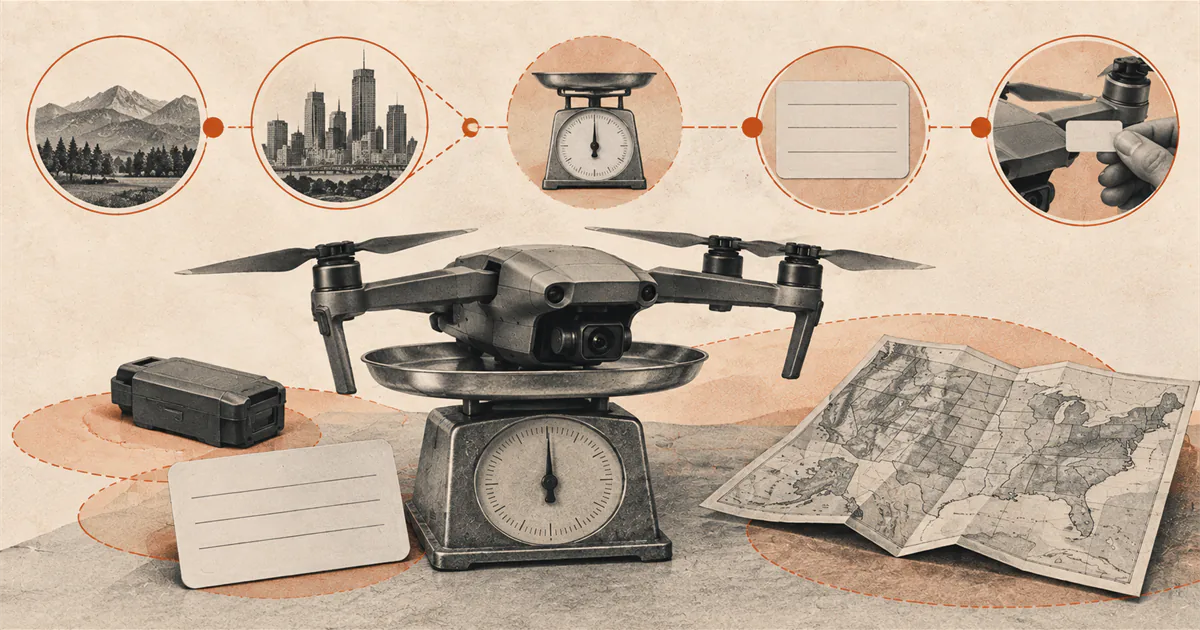
A drone flown only under the recreational exception generally avoids FAA registration only when it weighs 0.55 pounds or less, described by the FAA as less than 250 grams. A Part 107 drone must be registered regardless of that recreational exception. When registration is required or chosen, use FAA DroneZone, follow the correct recreational or Part 107 path, mark the aircraft, carry the certificate, and resolve Remote ID.
Choose the operating rule first
This guide focuses on small drones in the United States. Before weighing the aircraft or opening DroneZone, identify why the flight is happening.
A flight solely for personal enjoyment may qualify for the recreational exception. A business, work, inspection, client, public-safety, or other non-recreational purpose generally follows Part 107 or another authority. A recreational registration cannot be used to fly under Part 107, and the FAA states that registration cannot be transferred between those operation types.
Use the US recreational rules decision map if the purpose is unclear.
Use the actual takeoff configuration
The FAA says drones must be registered except those weighing 0.55 pounds or less, described as less than 250 grams, when flown under the recreational exception. Do not reduce that rule to a product nickname such as “mini.”
Check the actual aircraft with everything attached for the operation. A larger battery, propeller guard, light, landing gear, camera, payload, or other accessory can change the takeoff weight. Use a reliable measurement and the exact FAA wording rather than a marketing weight for a different configuration.
The recreational weight exception does not apply to Part 107 operations. If the aircraft will be used under more than one rule, follow the registration instructions for each intended path.
Register only through the FAA route
Use FAA DroneZone from the current FAA registration page. Avoid search advertisements or third-party sites that imitate a government registration service.
The FAA currently lists the recreational registration fee as $5, covering the drones in the recreational inventory for three years. Part 107 registration is currently $5 per drone and valid for three years. These details can change, so confirm them at the time of registration rather than relying on this summary.
The registration process can require contact information, aircraft make and model, and a Remote ID serial number when applicable. Use the manufacturer’s instructions to locate the correct serial number, but use the FAA process to complete the record.
Add the correct aircraft and Remote ID information
A drone that is required to be registered, or is registered, must comply with Remote ID unless an applicable operating path says otherwise. Determine whether the aircraft has Standard Remote ID, uses a broadcast module, or will operate within a FRIA under the required conditions.
Check the exact aircraft or module in the FAA Declaration of Compliance system. Do not enter the aircraft serial number when DroneZone requests the Remote ID serial number unless the manufacturer’s documentation confirms they are the same field. Follow the Drone Remote ID guide before completing an uncertain inventory entry.
Mark the aircraft and carry the certificate
After registration, follow the FAA’s current exterior-marking instructions for every applicable drone. A number saved in an account is not the same as a marked aircraft.
Carry the registration certificate in paper or digital form while flying. If another person operates the registered drone, that person must have the aircraft’s registration certificate. Be prepared to present it to an authorized federal, state, or local law-enforcement officer when requested.
Registration does not replace the flyer’s TRUST certificate, Remote ID compliance, airspace authorization, or land-use permission.
Maintain the record
Use DroneZone to keep the inventory and registration current. Review the make, model, Remote ID type, serial number, status, and expiration before a flight. Renew through DroneZone when registration expires and follow the FAA process when an aircraft or device leaves the inventory.
Do not reuse a label from a sold, returned, or replaced aircraft without confirming that the current record and rule path permit it.
Run the registration decision
- Define the purpose and operating rule for the flight.
- Measure the aircraft in its actual takeoff configuration.
- Apply the recreational weight exception only when both requirements fit.
- Use the correct FAA DroneZone dashboard.
- Add accurate aircraft and Remote ID information.
- Mark the drone and carry the certificate.
- Recheck the record, expiration, and configuration before flight.
If any field is uncertain, stop and use the FAA support route before submitting a guess.
Sources
Check the underlying guidance.
The FAA sources below establish the recreational weight exception, separate recreational and Part 107 registrations, current fee and validity period, marking, certificate, and Remote ID relationship. Recheck FAA DroneZone before acting.
- How to Register Your Drone, Federal Aviation Administration. Government source. Checked . Used for registration scope, rule-specific registrations, fee, validity period, required information, marking, certificate, and Remote ID connection.https://www.faa.gov/uas/getting_started/register_drone
- Recreational Flyers & Community-Based Organizations, Federal Aviation Administration. Government source. Checked . Used for recreational-purpose scope, the 250-gram registration threshold, and current operating requirements.https://www.faa.gov/uas/recreational_flyers
Editorial disclosure: This guide summarizes current FAA registration instructions for small drones in the United States. It is not legal advice and does not decide the rule path, exact takeoff weight, ownership eligibility, or Remote ID status for a specific aircraft.