Direct answer
Start with why the flight is happening, then clear each rule gate before takeoff.
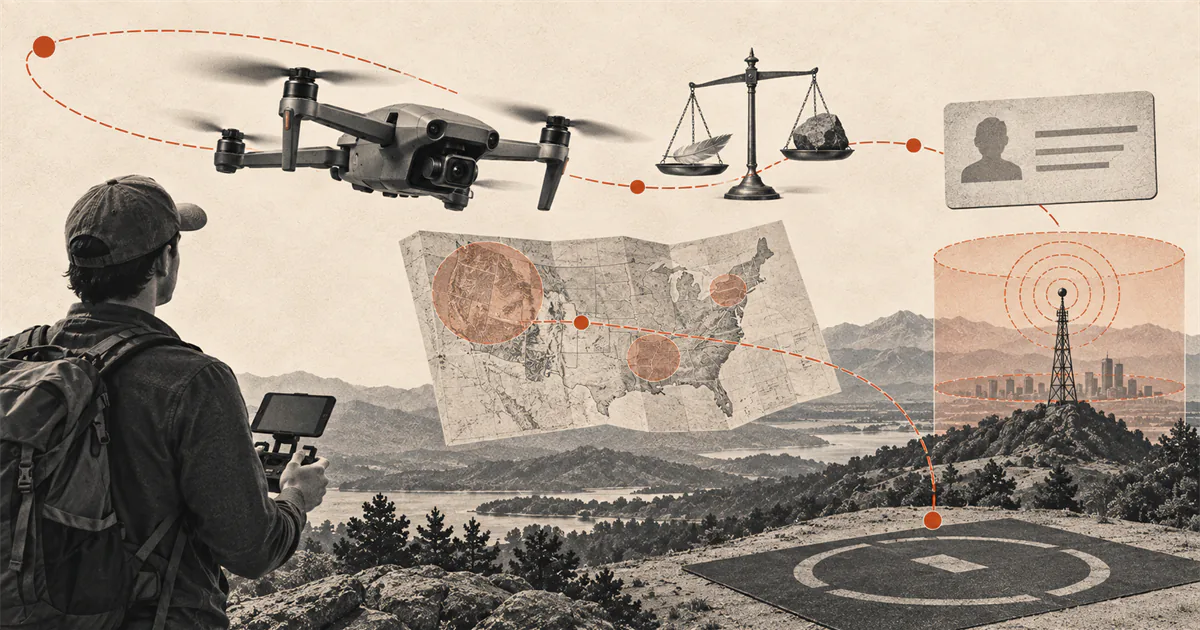
For a purely recreational US flight, complete TRUST and carry proof, determine whether the drone must be registered, confirm its Remote ID path when registration applies, check current airspace and flight restrictions, follow an FAA-recognized CBO safety code, keep the aircraft within visual line of sight, and obtain any required authorization. A flight with a work, business, or other non-recreational purpose follows a different rule path.
Identify the flight purpose
This page covers a small drone flown in the United States only for personal enjoyment under the Exception for Limited Recreational Operations of Unmanned Aircraft. The purpose of the flight matters more than whether money changes hands.
A flight for a client, employer, real-estate listing, inspection, business channel, public agency, research assignment, or another non-recreational purpose may fall under Part 107 or a different authority. A recreational registration or TRUST certificate does not convert that operation into a recreational flight.
If the purpose is mixed or uncertain, use the FAA's current identification resources before planning the operation. Do not begin with aircraft weight, location, or payment and skip the purpose question.
What does recreational drone use mean?
It means flying purely for fun or personal enjoyment under the recreational exception. The FAA says payment is not the deciding factor: an unpaid roof inspection, work assignment, or volunteer survey can still be non-recreational. Decide why this particular flight is happening before choosing the rule path.
Is public works recreational if nobody is paid?
An operation for a public works purpose is not purely personal enjoyment just because it is unpaid or not for hire. Government-purpose flights may use Part 107 or an applicable public aircraft authority, depending on the operation. Identify the agency's authorized operating path; TRUST and recreational registration do not establish it.
Complete TRUST
Every recreational flyer operating under the exception must pass The Recreational UAS Safety Test and carry proof of passage while flying. This applies even when the drone is light enough not to require registration. Follow the TRUST test guide for the current free administrator and certificate process.
Use an administrator on the FAA's current approved list. The FAA states that approved administrators provide TRUST free online and that test questions can be corrected before a completion certificate is issued. Save or print the certificate because the administrator does not retain a replacement record.
TRUST is a knowledge and documentation requirement. It is not airspace authorization, registration, Remote ID compliance, property permission, or proof that the conditions are safe.
Determine registration
FAA guidance says drones must be registered unless they weigh 0.55 pounds or less, which the FAA also describes as less than 250 grams, and are flown under the recreational exception. The exemption depends on both aircraft weight and recreational use.
A drone used under Part 107 must be registered regardless of the recreational weight exemption. Accessories can change takeoff weight, so use the actual configuration and current FAA instructions rather than a product-family nickname such as "mini."
When registration is required, use FAADroneZone, mark the aircraft as instructed, and carry the registration certificate. Recreational and Part 107 registrations are different paths and are not transferred between operation types. Use the registration decision guide for the actual-weight and inventory sequence.
Confirm Remote ID
The FAA states that a drone which is required to be registered or is registered must comply with Remote ID. A sub-250-gram recreational drone is not a blanket Remote ID exemption if the aircraft has been registered or the operation uses another rule path.
The available paths can include a Standard Remote ID drone, an FAA-accepted broadcast module, or operation without Remote ID equipment inside a Federally-Recognized Identification Area under the applicable conditions. These paths have different registration and visual-line-of-sight requirements.
Check the exact aircraft or module against the FAA Declaration of Compliance system and use the correct Remote ID serial number. A manufacturer marketing statement alone does not complete the registration entry or confirm the configuration in front of you. The Remote ID guide separates Standard Remote ID, broadcast-module, and FRIA paths.
Check airspace and ground access
Use the US location checklist with a current FAA-approved B4UFLY service to inspect the exact place, route, date, and time. Recheck temporary flight restrictions and other notices close to takeoff. A wide map view, an old screenshot, or a previous flight at the site is not a current result.
Recreational flyers need prior FAA authorization to operate in controlled airspace. Where available, LAANC can provide near-real-time authorization at or below eligible limits; DroneZone covers applicable manual requests. A B4UFLY awareness result is not itself every authorization. Use the LAANC guide for recreational flyers for the exact request and approval sequence.
Airspace status and ground access are separate. A city, state, tribe, territory, park, campus, event venue, or private landowner may control takeoff, landing, or use of the property. Follow the safe practice area guide to clear airspace, site permission, and physical hazards separately.
Follow the operating rules
Under the recreational exception, the FAA's current summary requires flyers to:
- fly only for recreational purposes;
- follow the safety guidelines of an FAA-recognized Community-Based Organization;
- keep the drone within visual line of sight, either directly or through a co-located visual observer in direct communication;
- give way to and not interfere with other aircraft;
- obtain prior authorization for controlled airspace and remain at or below the authorized altitude;
- fly at or below 400 feet in Class G uncontrolled airspace;
- carry TRUST proof and required registration documentation;
- avoid operating in a way that endangers the National Airspace System.
This is a route map, not the complete text of every law, CBO safety guideline, authorization, or local restriction. The controlling source wins when a short summary and a current requirement differ.
Recheck the flight day
Rules are only one part of a lawful and controlled launch. Run the drone preflight checklist, inspect the aircraft, check current weather and visibility, confirm the control link and battery condition, and review the exact model's recovery behavior.
Stop when the purpose changed, documentation is missing, registration or Remote ID status is uncertain, authorization does not cover the planned place and altitude, a restriction appeared, ground permission is absent, or the aircraft cannot remain safely within visual line of sight.
Do not treat an app's green status as permission to ignore people, property, other aircraft, changing weather, or the aircraft manual.
Use the decision map
- Purpose: Is every purpose of this flight purely recreational? If not, leave this recreational path and identify the correct authority.
- TRUST: Have you passed through an approved administrator and can you carry proof?
- Registration: Does the actual aircraft and operating purpose require registration?
- Remote ID: If the aircraft is required to be registered or is registered, which compliant path applies?
- Airspace: What does a current FAA-approved service show for the exact location, time, route, and altitude?
- Authorization: Is prior FAA authorization required, and does the approval cover this operation?
- Ground access: May you stand, launch, land, and operate from the property?
- Operating conditions: Can you follow the CBO guidelines, maintain visual line of sight, give way, and avoid endangering the airspace?
- Final recheck: Did restrictions, weather, people, equipment, or the purpose change before takeoff?
If any answer is unresolved, postpone the flight and use the official source linked for that decision. The shortest lawful route is often a no-go decision until the missing condition is clear.
Sources
Check the underlying guidance.
The FAA pages below were checked for recreational purpose, TRUST, registration, Remote ID, visual line of sight, airspace authorization, and current flight-planning routes. Recheck them for every operation because rules, restrictions, and services can change.
- Operate a Drone, Start a Drone Program, Federal Aviation Administration. Government source. Checked . Used for government agencies choosing Part 107 or statutory public aircraft operations with the applicable authorization.https://www.faa.gov/uas/public_safety_gov/drone_program
- Recreational Flyers & Community-Based Organizations, Federal Aviation Administration. Government source. Checked . Used for the current recreational-purpose test, CBO guidance, visual line of sight, right of way, airspace, altitude, TRUST, registration, and safety requirements.https://www.faa.gov/uas/recreational_flyers
- The Recreational UAS Safety Test (TRUST), Federal Aviation Administration. Government source. Checked . Used for the requirement that recreational flyers pass TRUST, carry proof, and use an FAA-approved free test administrator.https://www.faa.gov/uas/recreational_flyers/knowledge_test_updates
- How to Register Your Drone, Federal Aviation Administration. Government source. Checked . Used for current registration scope, the recreational exception for drones under 250 grams, marking, certificates, and the registration relationship to Remote ID.https://www.faa.gov/uas/getting_started/register_drone
- Remote Identification of Drones, Federal Aviation Administration. Government source. Checked . Used for Standard Remote ID, broadcast-module, FRIA, serial-number, and FAA Declaration of Compliance boundaries.https://www.faa.gov/uas/getting_started/remote_id
- UAS Data Exchange (LAANC), Federal Aviation Administration. Government source. Checked . Used for current controlled-airspace authorization routes and recreational eligibility requirements.https://www.faa.gov/uas/getting_started/laanc
- B4UFLY, Federal Aviation Administration. Government source. Checked . Used for the current FAA-approved airspace-awareness service route; a service status is not property permission or every required authorization.https://www.faa.gov/uas/getting_started/b4ufly
Editorial disclosure: This briefing organizes current FAA sources for US recreational flying. It is general information, not legal advice, an airspace authorization, property permission, or a determination that a specific operation is lawful.